









The Statements section in Ascora lets you manage your customers' financial statements by providing a comprehensive view of activity and outstanding balances. You can find it under Administration > Send Statements.
From here, you can review statement details, download statements, email them directly, and include related invoices—all in one place.
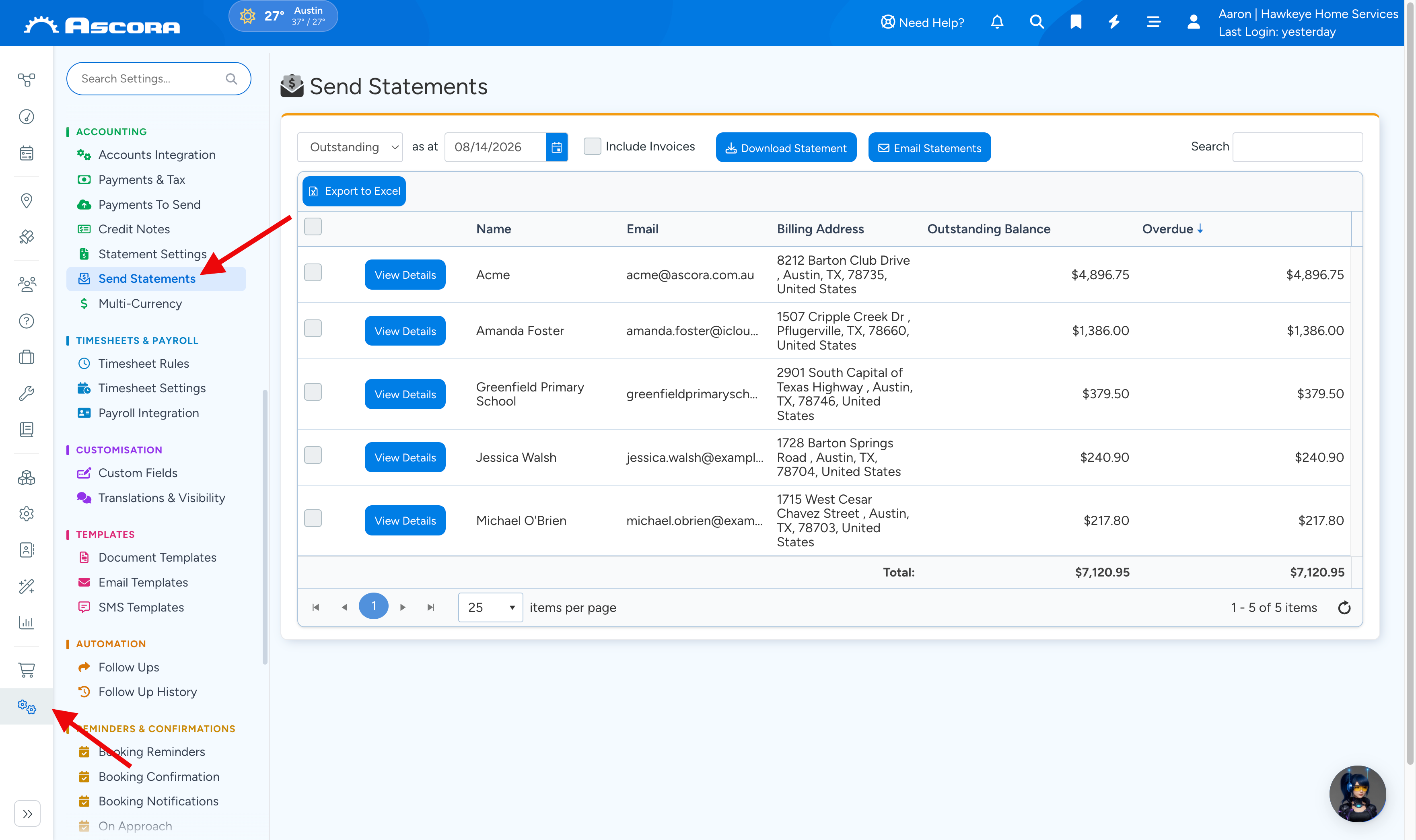
Key Features:
- View Statement Activity: Monitor recent transactions and changes in statement status.
- Outstanding Statements: Easily identify and review statements that still have an outstanding balance.
- Download & Email Statements: Generate PDF versions of statements for offline use or directly email them to customers.
- Include Invoices: Ensure that specific invoices are attached to the statement for full financial context.
Sub Pages
Got a question?
Submit an Idea
💡 Go to Ideas Portal