











Drag, drop, job booked.
A visual scheduler the whole team understands at a glance — perfect for one-off jobs, projects with phases, and recurring service work.
A scheduler your team will actually open.
Drag-and-drop
Move jobs around the day with a flick of the mouse. Reassign, reschedule, split — without typing a thing.
Filters & colours
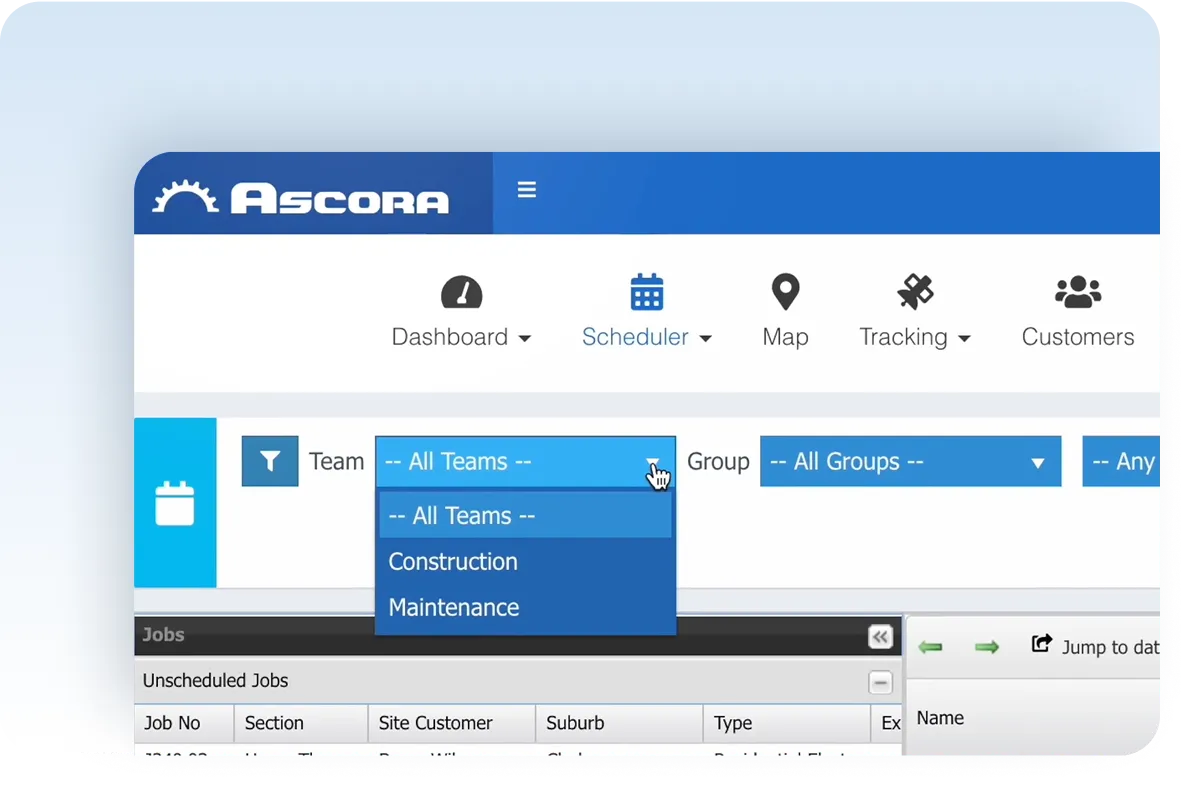
Filter by team, region, job type or skill. Colour-code so the day's plan is obvious at a glance.
Customers in the loop
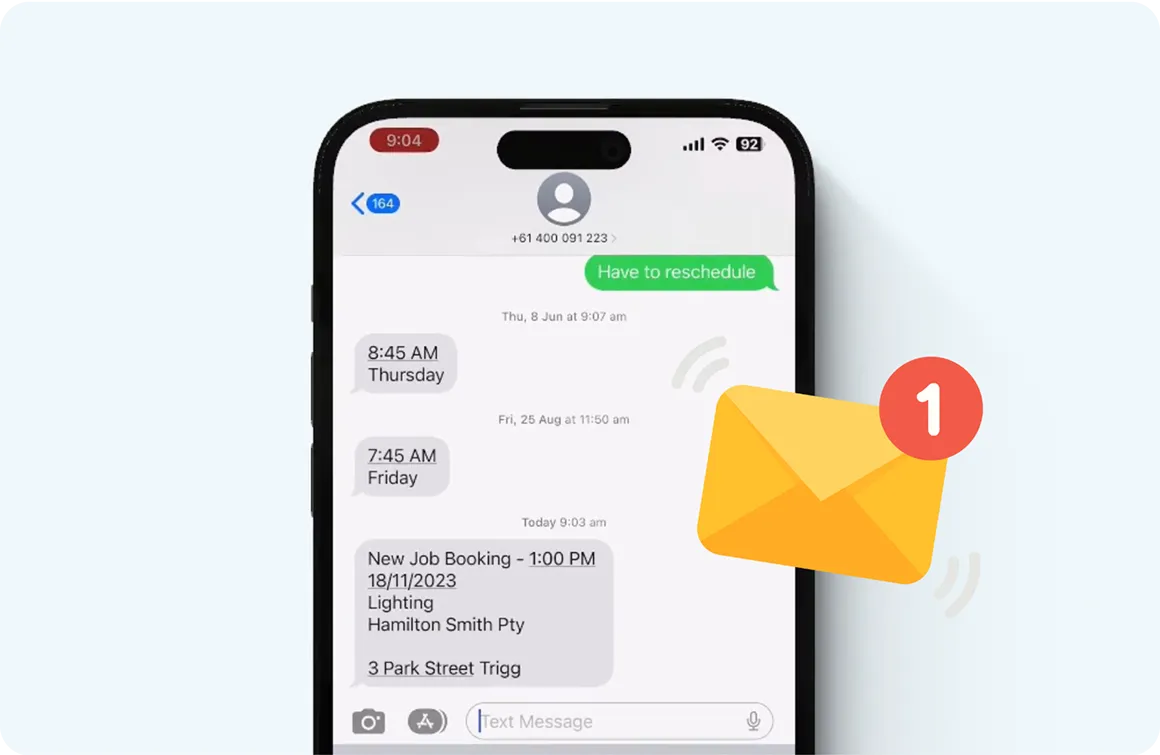
Automatic SMS confirmations and "on my way" alerts so customers always know what's happening.
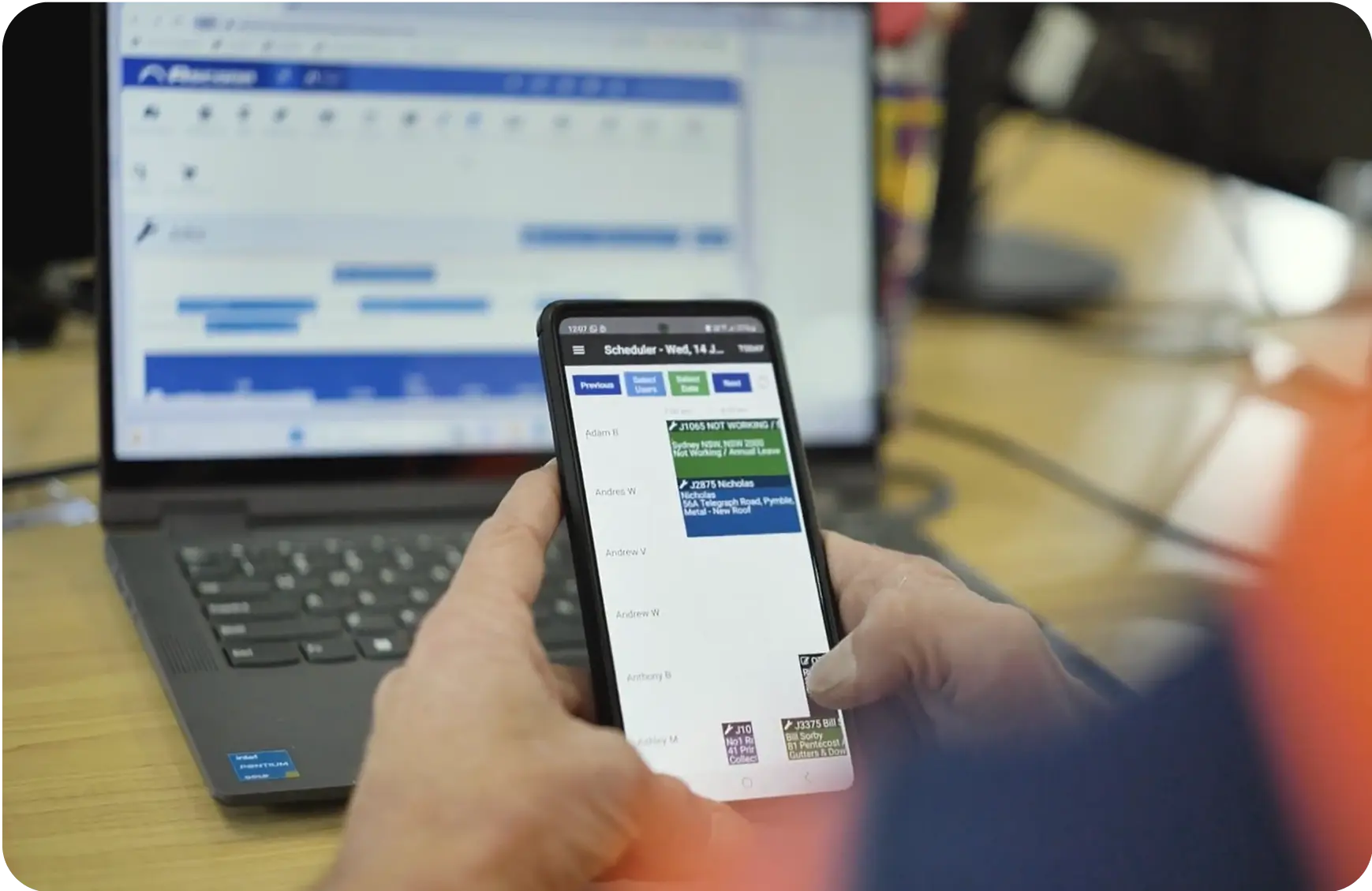
Schedule from any device.
Office on a desktop, supervisor on a tablet, tech on a phone — everyone sees the same live schedule, with the same updates, the moment they happen.
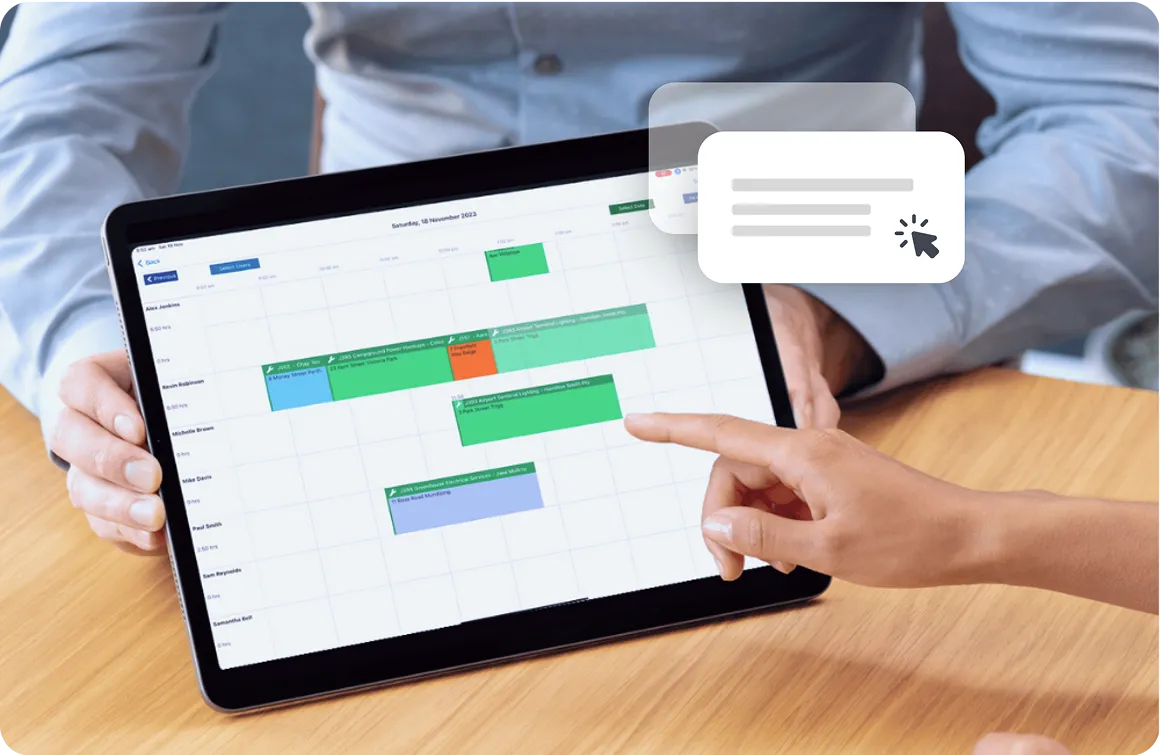
Drag and drop, even on your phone.
Need to slot a job into Friday? Drag it across. Reassign it to a different tech? Drag it down. The scheduler responds the way you'd expect.
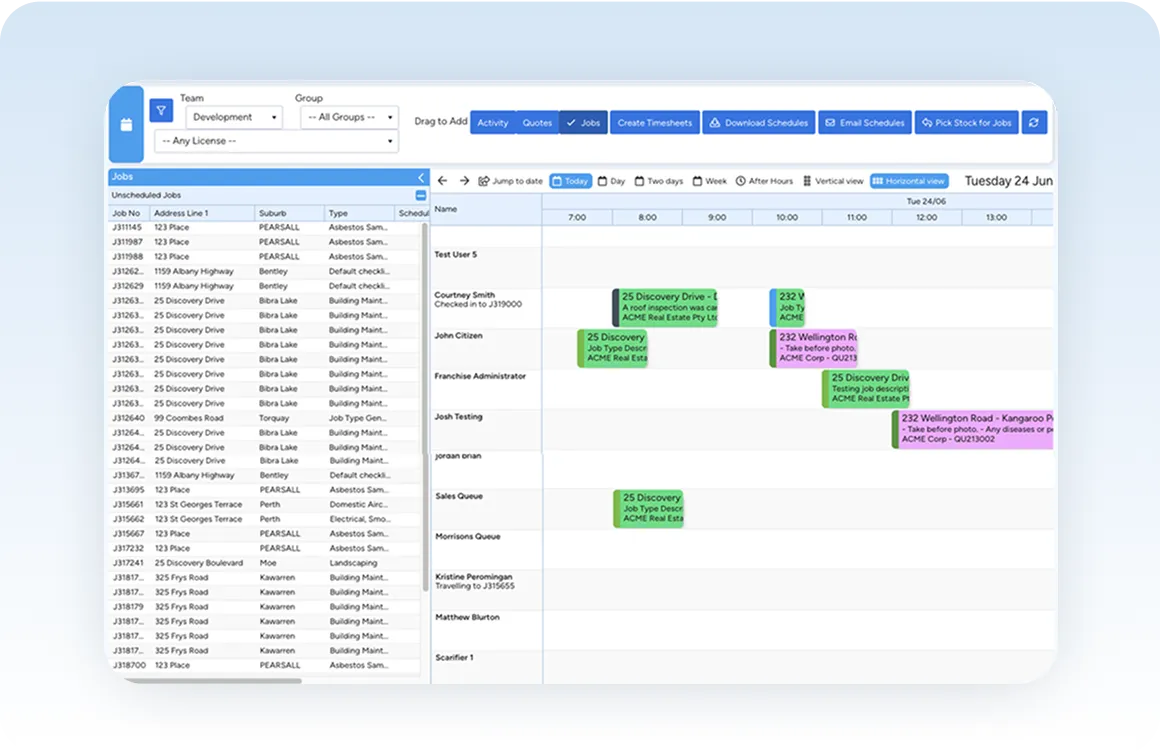
Smart filtering and search.
The scheduler offers different views to suit how you work. Need more control? Filter by teams, groups and licences — and create new jobs and quotes directly on the scheduler.
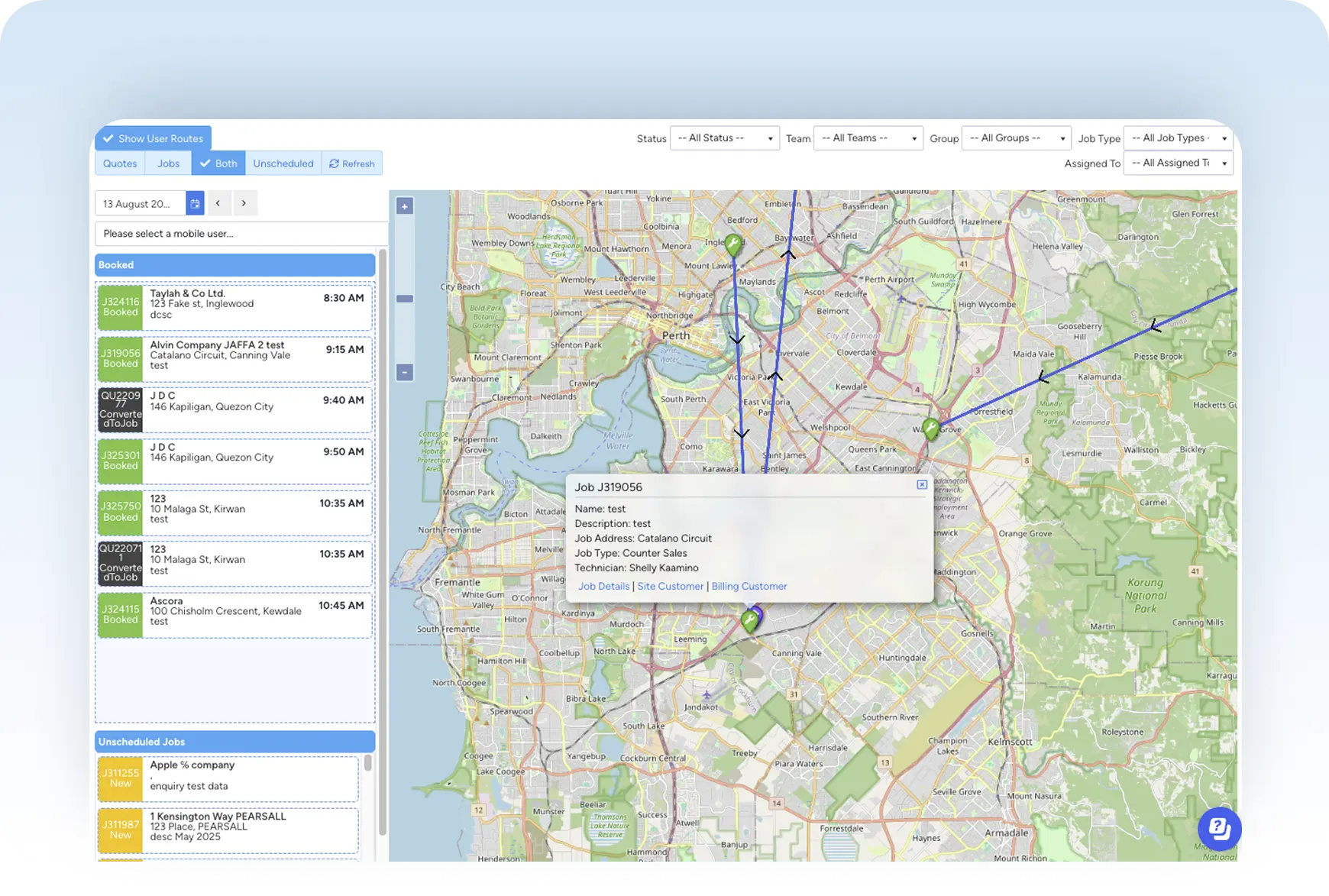
Optimised route planning.
Save hours on the road by letting Ascora find the fastest routes between jobs. Automatically plan field visits to reduce travel time, fuel costs and unnecessary delays.
Real-time updates.
Send confirmations to clients via SMS or email with one click — and dispatch updates to techs on the move. Use a templated message, tweak as needed, and fire off the notification instantly.
Two-way SMS built in.
Customers get a confirmation when the job's booked, an "on my way" when the tech departs, and can reply directly. Replies land back in Ascora — not on a personal phone.
Connected to everything else.
Field Service Management
Drag a job onto the schedule and the full job record opens for the assigned tech.
Explore →Timesheets
Scheduled jobs auto-populate timesheets — staff just confirm or adjust hours.
Explore →Customer management
Every booked job is tied to the customer record, building a full service history.
Explore →Leads
Convert a won lead into a scheduled job in two clicks.
Explore →Quoting
Accepted quotes flip to jobs and onto the schedule with one tap.
Explore →Invoicing
Completed jobs convert to invoices instantly — no schedule-to-billing handover.
Explore →A schedule that everyone can read.
14-day free trial · no credit card · live in days. Bring your existing data — we'll handle the migration.